An AI agent takes a goal, uses your tools and data, does the steps, and hands off or asks when it is unsure. AI agents for small business fit some jobs and not others. This article explains the difference, lists where agents fit in a small office, and gives you a checklist for judging any tool before you pay for it.
What an AI agent is, and what it is not
A chatbot, a simple automation, and an agent are three different things.
A chatbot answers questions. You type, it replies. It usually does not touch your systems. It does not do anything on its own.
A simple automation follows fixed rules. When a form comes in, create a contact. When a deal closes, send an email. It does exactly what it was told, every time. It cannot handle anything it was not told about.
An agent has a goal and some room to decide. It can read a document, check your CRM, work out what is missing, and take the next step. When it hits something odd, it stops and asks a person.
Here is a plain example. An automation can copy a name from an email into your CRM. An agent can read the email, work out which existing contact it belongs to, update the right fields, and flag the email if it can't tell who sent it.
Many useful setups mix all three. A fixed automation does the predictable steps. An agent handles the part that varies. A person approves anything that matters.
Jobs where agents fit in a small office
The best jobs share a pattern. They repeat often. They follow the same general shape. A person can check the result quickly. Our AI work is built around jobs like these.
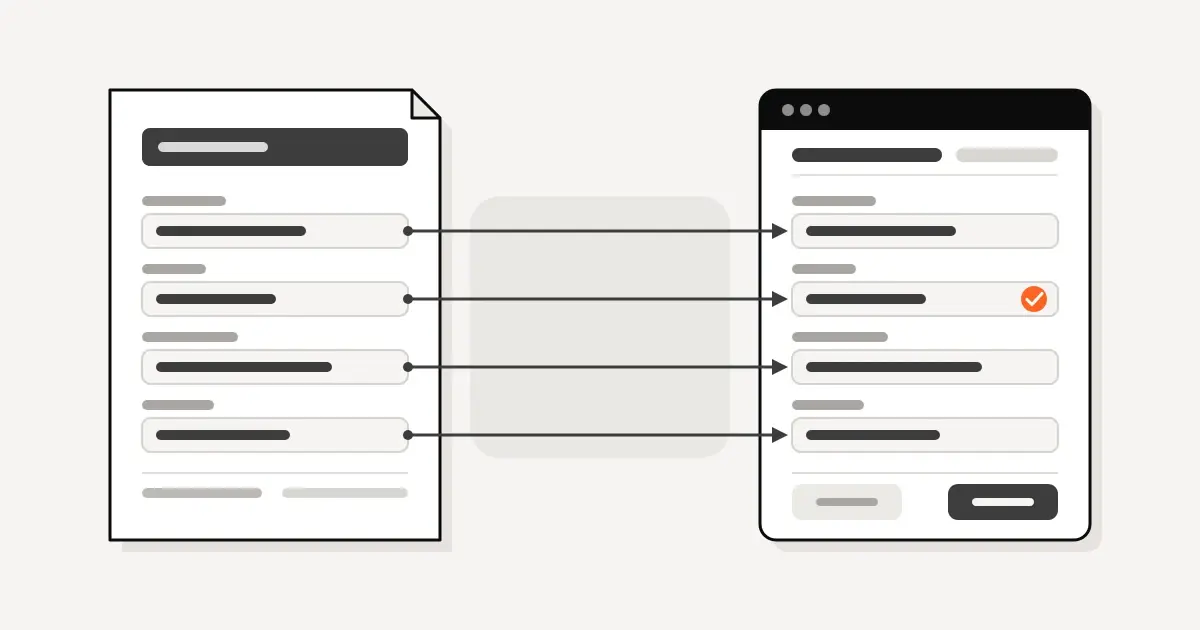
Document intake. An agent can extract, classify, and summarize data from documents. Think of PDFs, emails, and forms that arrive in the same shape each time. The agent pulls out the data and puts it where it belongs. A person reviews what it flags.
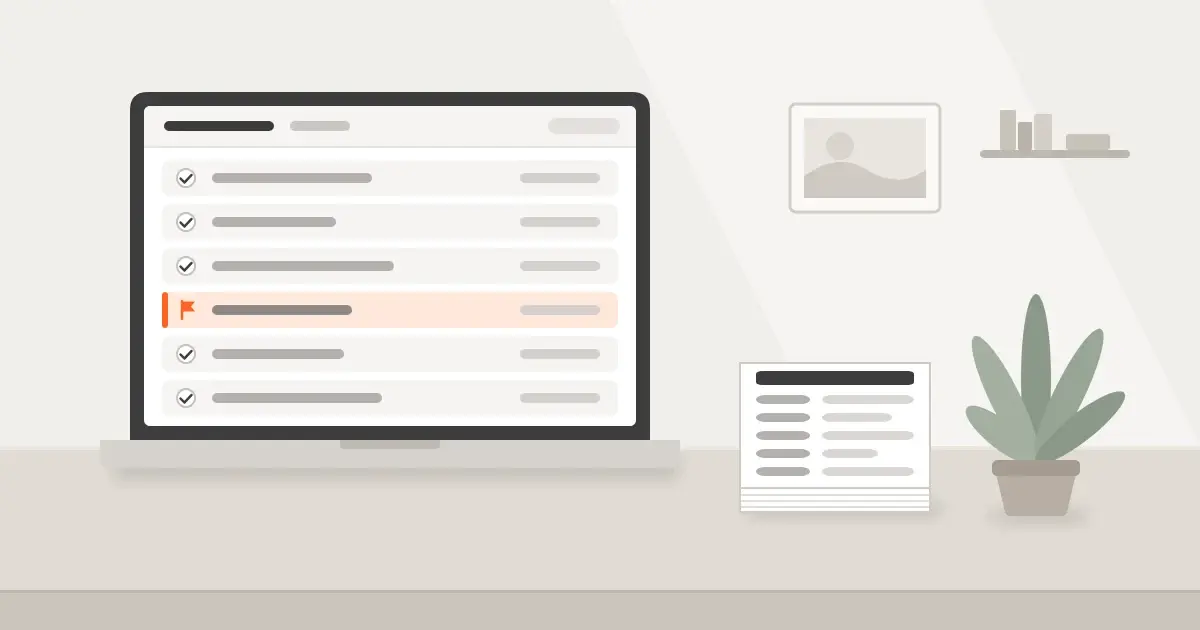
Keeping the CRM updated. A CRM is only useful when it is current. A CRM agent can log calls, update fields, and tidy records so the data stays current. If your CRM is not set up well, fix that first. See our CRM setup work and our guide to CRM for general contractors. If you are still choosing a CRM, see Zoho CRM vs HubSpot for contractors.
Follow-up drafts. An agent can draft a follow-up email or text based on the last conversation. A person reads it, edits it, and sends it. The agent does the blank page. You keep the voice and the decision.
Meeting prep. Before a call, an agent can pull the contact's history, open deals, and recent emails into one short summary. That saves someone digging through tabs before every call.
Internal search. In an office with years of files, an agent that can search your own documents and answer "what did we quote on that job" saves someone from hunting through folders. It works best when it shows where the answer came from.
Other items on our list include workflow automation across tools, pipeline intelligence, and custom internal tools. The common thread is the same. A defined input, a defined destination, and a person who checks the output.
Colin Singleton runs most of our CRM and custom software builds himself. You can meet the rest of the Conduit team.
Jobs where agents do not fit yet
Agents are not the answer to every task. Skip them, or keep a person in the loop, in these cases.
- Anything where a wrong answer costs money or trust and no one checks it. If an error goes straight to a customer or a bank account, a human check is required.
- Legal or financial sign-off. An agent can prepare. A person with the authority has to approve.
- Tasks you do twice a month. If the job is rare, setup costs more than the time saved. Do it by hand.
- Jobs with no clear right answer. If two of your own staff would do it differently, an agent will not settle that.
- Jobs where your data is a mess. An agent working from unreliable records will give unreliable results. Clean up first.
- Anything you cannot describe in a few sentences. If you can't say what done looks like, the agent can't either.
A rule of thumb. The more often a job repeats, and the cheaper a mistake is to catch, the better the fit.
How to judge an AI agent tool
People search for the best AI agents for small business and expect a ranked list. A ranking goes out of date fast, and the right tool depends on your tools and your jobs. Judge any tool the same way. Ask these questions.
- What data does it touch? List every system and file type it can read. Ask what it can write to. Read access and write access are different risks.
- Who reviews the output? There should be a named person and a clear place where the work shows up for review. If the answer is "nobody," the job is a poor fit.
- What happens on an error? Ask how it flags something it is unsure about. Ask how you find mistakes after the fact. Look for a log of what it did.
- Can you turn it off? You should be able to pause it without calling anyone. You should be able to undo or correct what it did.
- Does it work in the tools you already pay for? An agent that needs you to move your CRM, your accounting, or your email is a bigger project than it looks. Prefer one that works with what you have.
- Can you see it work on your own data? A demo with sample data proves little. Ask for a trial on a real, small batch of your own documents.
- Who owns the setup after launch? Find out who fixes it when a form changes or a field gets renamed.
If a vendor can't answer these in plain words, treat that as your answer.
How to start with one workflow
Do not start with five projects. Start with one.
- Pick one job. Choose something people do often, that takes real time, and that follows a pattern. Document intake and CRM updates are two examples.
- Measure it first. Time the job as it is done today. Note how long it takes, who does it, and how often errors happen. A short sample is enough. You cannot show improvement without a starting number.
- Build or buy one fix for that job. Keep the scope small.
- Run it next to the old way for a while. Compare the results. Let a person check the agent's work.
- Measure again. Use the same method as the first time.
- Decide. Keep it, change it, or drop it. Then pick the next job.
This keeps the cost of a bad choice small. It also gives you real numbers to show your team.
A DFW contractor example
A DFW contractor's accounting work took each person 45 minutes on average (some up to 90); Conduit got it down to 10 minutes.
FAQ
What is an AI agent in plain terms? It is software that takes a goal, uses your tools and data, does several steps, and hands off or asks when it is unsure.
How is an agent different from a chatbot? A chatbot answers questions. An agent also acts in your systems, such as updating a record or filing a document.
Do I need an agent, or is a simple automation enough? If the job follows fixed rules every time, a simple automation is enough. An agent helps when the input varies, such as different documents or emails that need reading.
Can an agent run without a person checking? For low-risk jobs it may. For anything where a mistake costs money or trust, keep a human check.
Where should a small business start? Pick one repeated job, time it, fix it, and time it again.
Book a time with Colin
Book a 30-minute call with Colin about the AI tool or CRM you already use. Bring one job you think could be handled better, and we will look at whether it fits. Book a time with Colin.

Colin has spent five years building and running the CRM inside a major Dallas–Fort Worth general contracting firm. He started Conduit to bring the same systems to owner-operated trades and contractors.